
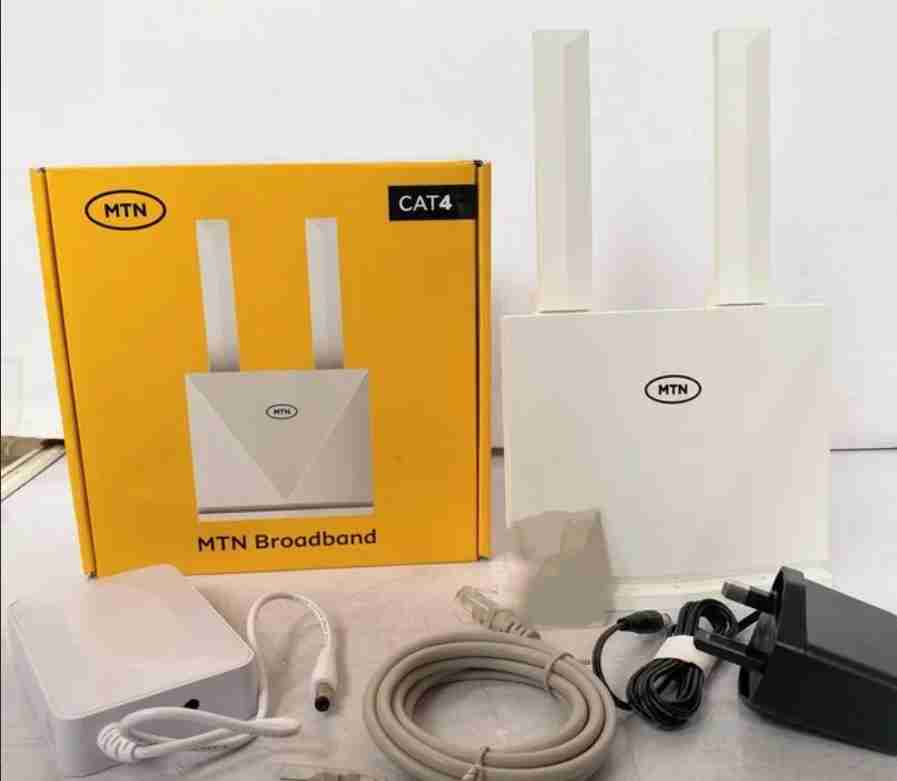
If you are an active MTN subscriber and looking for the latest MTN broadband codes in Ghana, you can get all the MTN Broadband Codes in Ghana with regards to how to buy data, check balance and manage your internet connection.
MTN Ghana has so many USSD codes that allow customers to manage their broadband services, from purchasing of internet bundles, checking data balances and accessing other network options.
Whether you are using the MTN Turbonet router, broadband SIM card or another supported MTN internet device, knowing the correct codes can help you manage your internet connection easier.
In today article guide, I shall help you explore the important MTN broadband codes, how to use them and the steps to access available internet services as active MTN prepaid customer.
What Are the MTN Broadband Codes in Ghana?
MTN broadband codes are USSD shortcuts that allow all customers to manage their MTN Fibre Broadband and TurboNet services directly from their mobile phones, anywhere they are. What a subscriber needs to understand is that, these codes make it easier to purchase internet bundles, check available data balances and manage broadband accounts without needing to visit an MTN office in Ghana.
The main MTN broadband USSD code in Ghana is *5057#. To use this service, dial the code from the MTN mobile number linked to your broadband account and follow the instructions displayed on your screen.
How To Check MTN Broadband Data Balance and Validity
To check your MTN Broadband data balance and validity, you should read our piece of information given here. Checking your data balance helps you monitor your internet usage and know when to purchase another bundle.
With this, MTN Ghana provides different options for checking your TurboNet and Fibre broadband balance and to check using the USSD, follow these steps:
- Dial *5057# from the MTN number linked to your broadband account.
- Select option 3 – Check Balance.
- Choose the data balance option.
- Follow the remaining instructions to view your available data.
You can also make use of myMTN App to check and manage your broadband to view your data balance.
How To Buy MTN Broadband Data Bundles Using USSD Codes
If you are looking for how you can buy the MTN broadband data bundles for your Turbonet or Fibre broadband using the short codes, kindly make use of the *5057# USSD code.
You can follow the steps below to get this done yourself.
- Dial *5057# using your linked MTN number
- Choose your Turbonet or Fibre Broadband number
- Select option 1 – Data Bundle/Buy Bundle.
- Follow the instructions to view available packages.
- Select your preferred broadband data bundle.
- Choose your payment method, such as airtime or MTN Mobile Money.
- Confirm your transaction.
Now, you should receive a confirmation message after a successful purchase from MTN Ghana.
FAQs About MTN Broadband Codes in Ghana
These are all the Frequently Asked Questions About MTN Broadband Codes in Ghana for you to know.
The main MTN broadband USSD code is *5057#. It allows eligible TurboNet and Fibre customers to purchase data bundles and check their broadband account balances.
Dial *5057#, select option 1 to buy a bundle, choose your preferred package and follow the payment instructions.
Dial *5057# from your linked MTN number, select option 3 for Check Balance and follow the prompts to view your remaining data.
Yes. MTN Ghana supports Mobile Money as one of the payment options for purchasing Fibre Broadband and TurboNet data bundles.
Yes. You can use the myMTN App or visit the MTN Fibre Broadband Portal to manage your broadband account, purchase bundles and check available balances.

